Import LUTs in Affinity Photo to enhance your images with professional color grading. Use LUTs to apply consistent color styles across your projects.
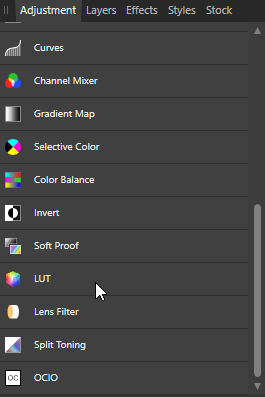
- Add a LUT Adjustment
Click LUT in the Adjustment panel.

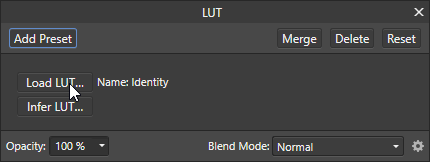
- Load a LUT
Click Load LUT. Browse and select a LUT from the LUTs\CUBE folder.

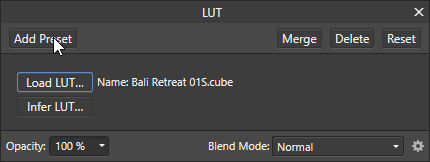
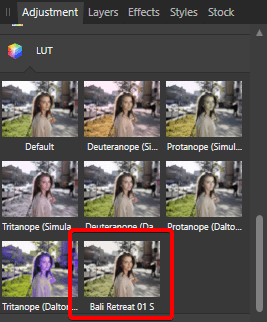
- Add a Preset (Optional)
Click Add Preset. Name the preset for quicker access.

- Make the LUT Lighter or Stronger
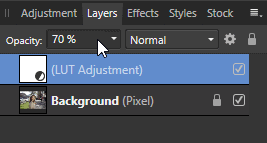
Adjust the Opacity setting in the Layers panel to fine-tune the LUT’s visibility.